 selftone
Music for thinking & creating
Endless, quiet music that keeps you in the work. Composed by rules as you listen, and it never needs Wi-Fi.
No subscription
I couldn’t find the music I needed to work. So I made it.
For years my work ritual was the same. Open a playlist, start the task, and ten minutes later a song with lyrics breaks the spell. Or an ad. Or the same track I’ve heard four hundred times.
I wanted something simpler. Music that sits in the background like weather. That doesn’t loop, doesn’t talk, doesn’t ask me to pick anything. That works on a plane.
selftone is that. It’s the app I wanted on my own Mac. I hope it becomes yours too.
— Sergey Gartman, maker of selftone
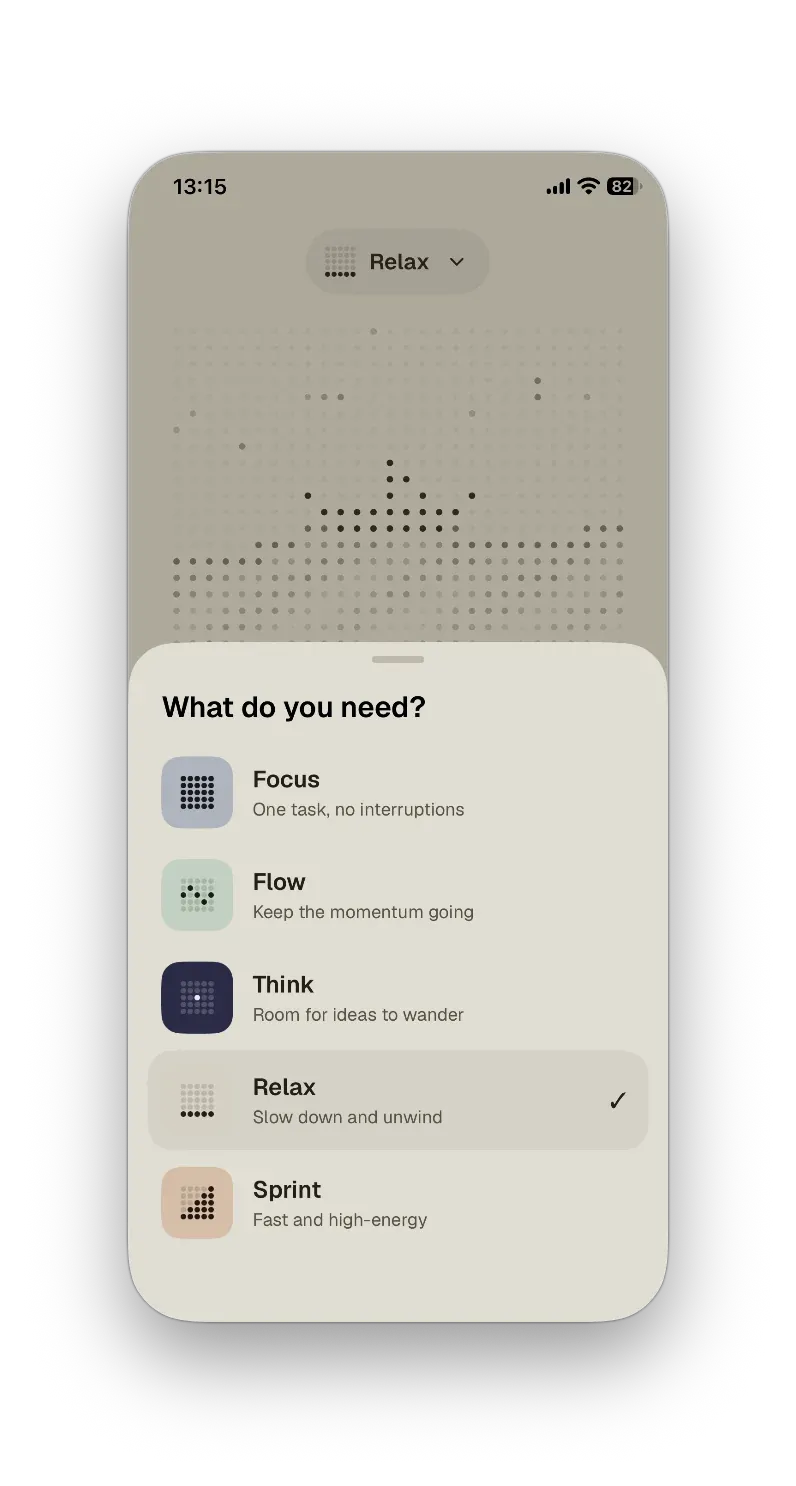
Five moods for five kinds of work
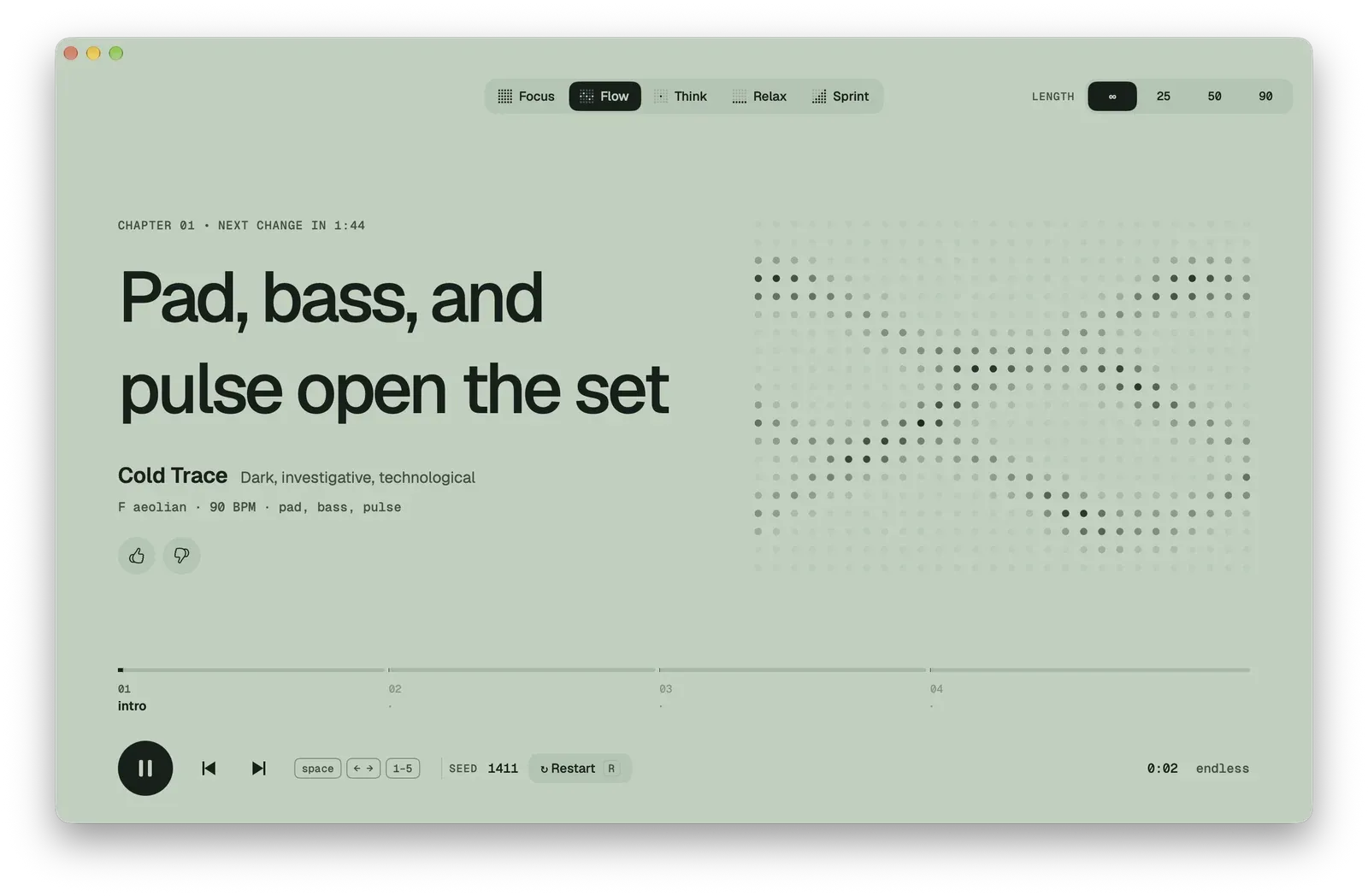
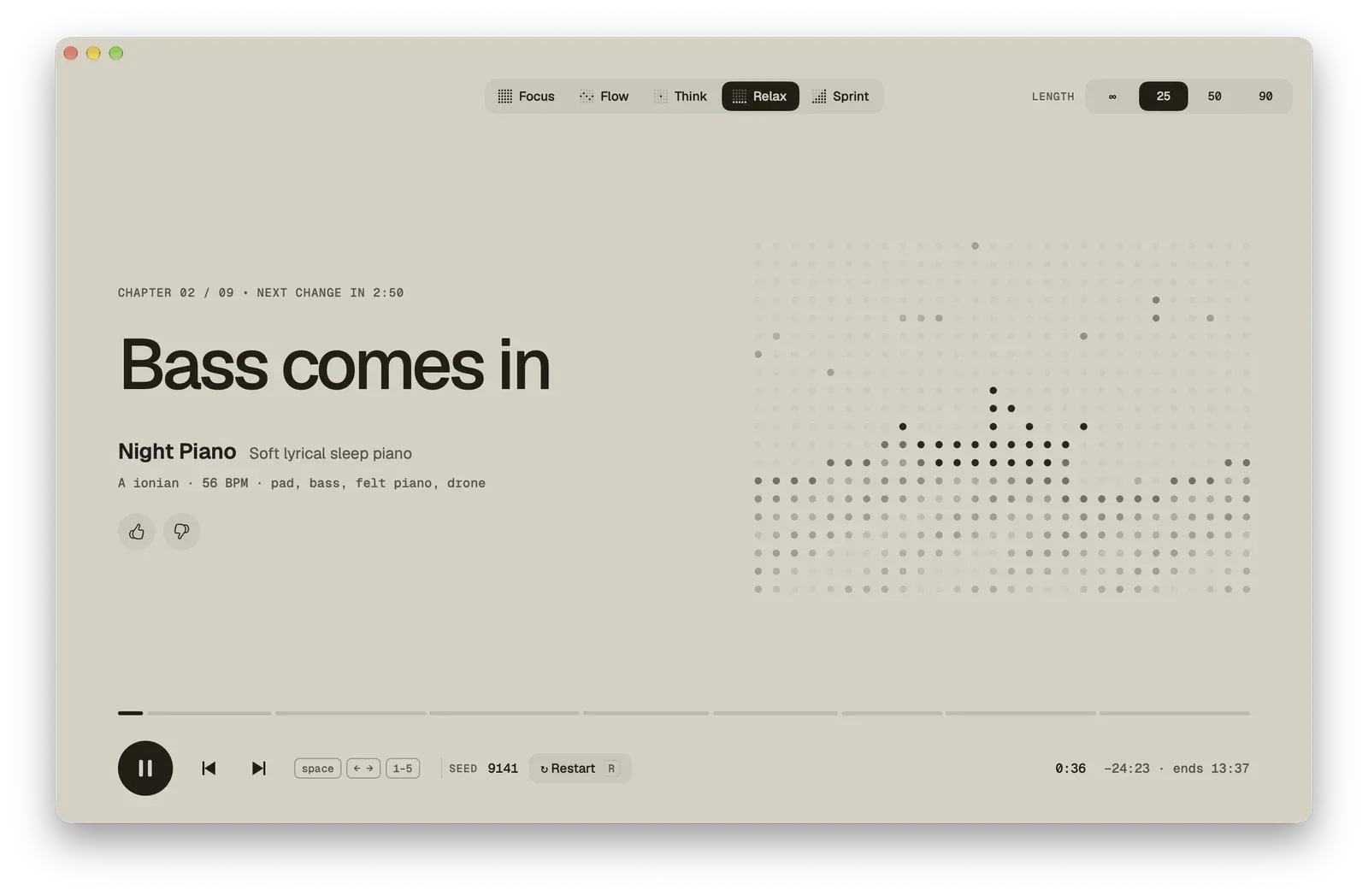
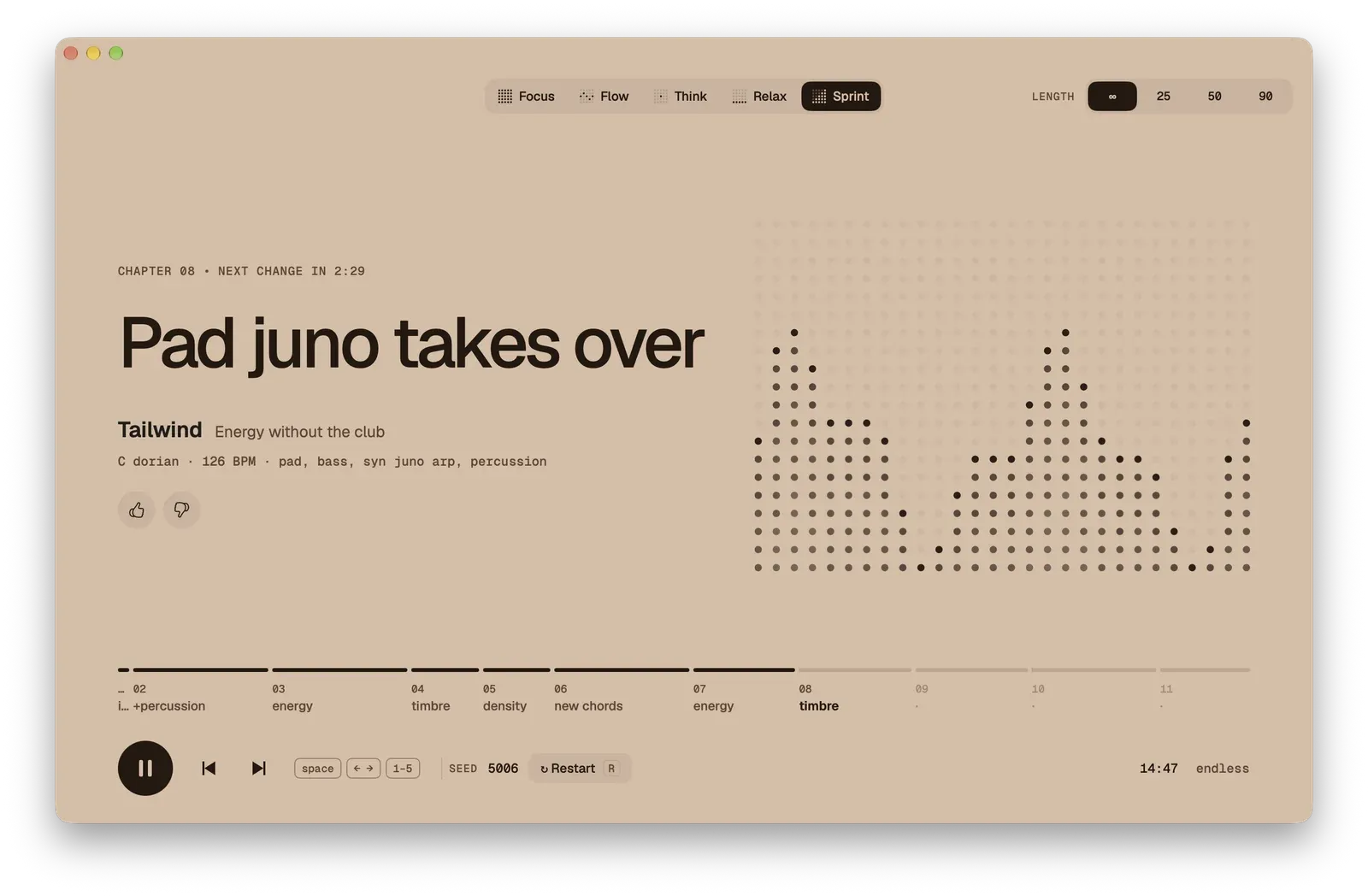
Pick what you need. selftone handles the rest: key, tempo, instruments, and how the music grows over time.
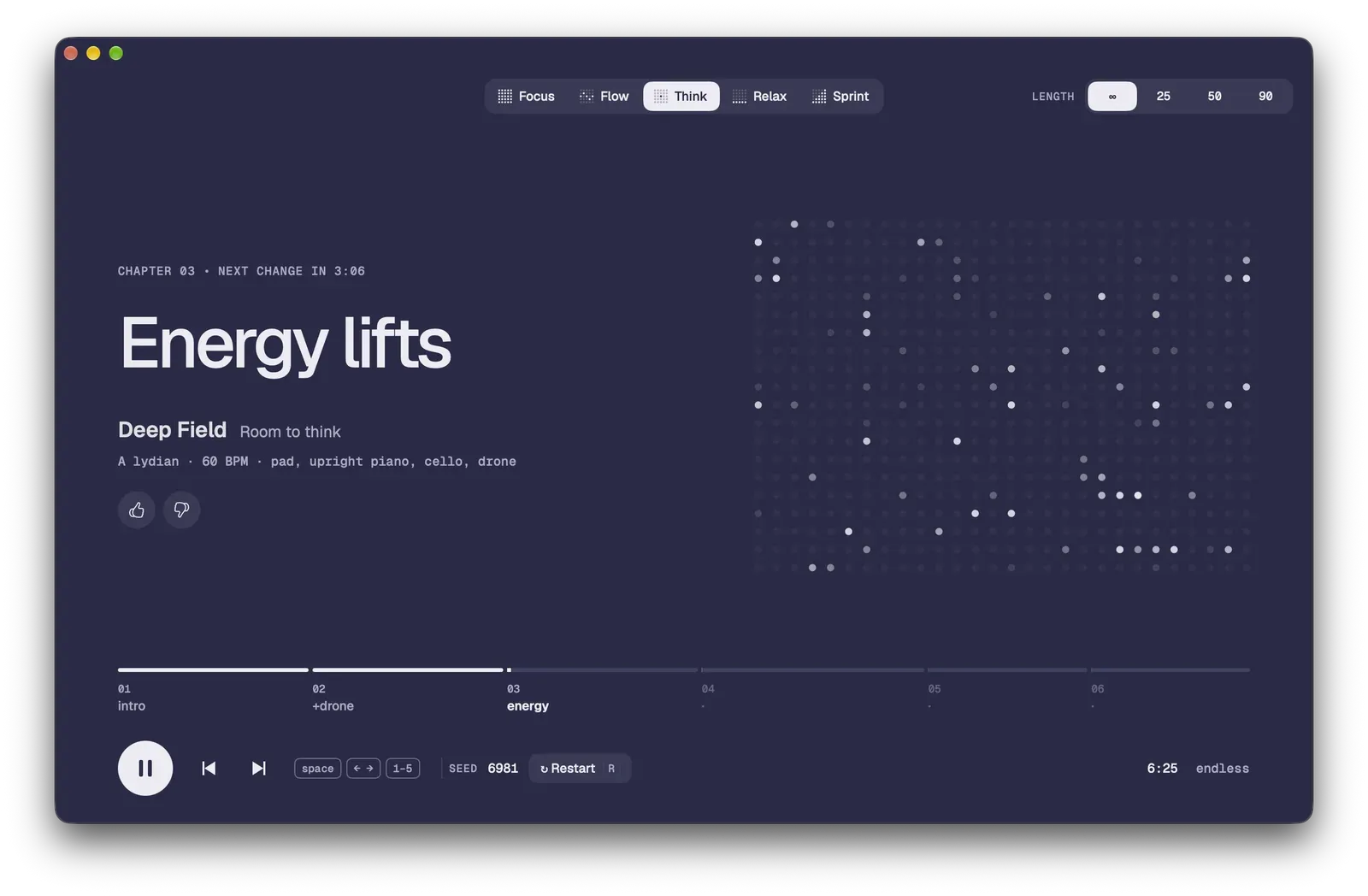
Open harmony and lots of air. For problems that need space.
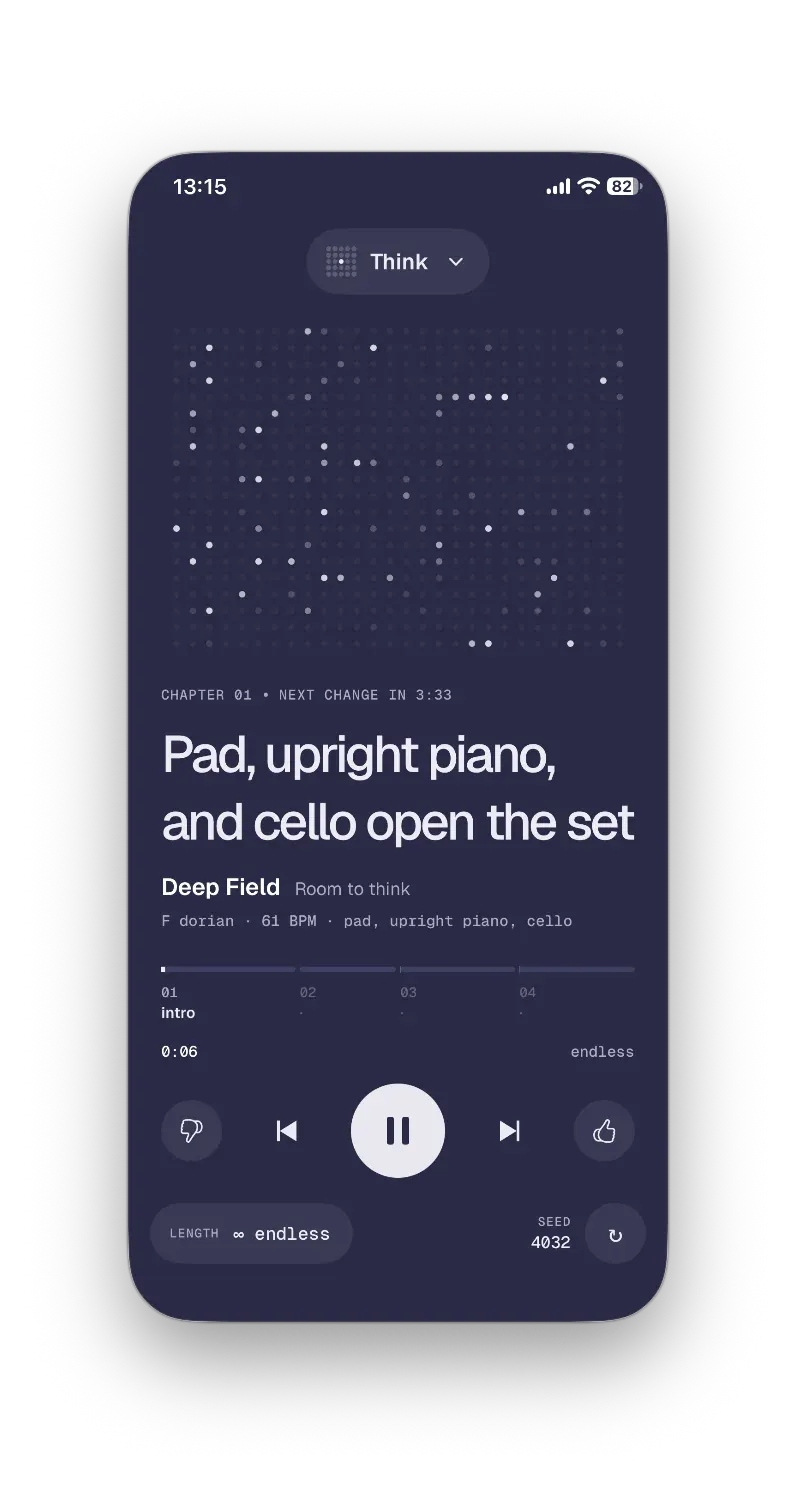
Dorian / lydian · 60–66 BPM · organ pad, upright piano, cello, drone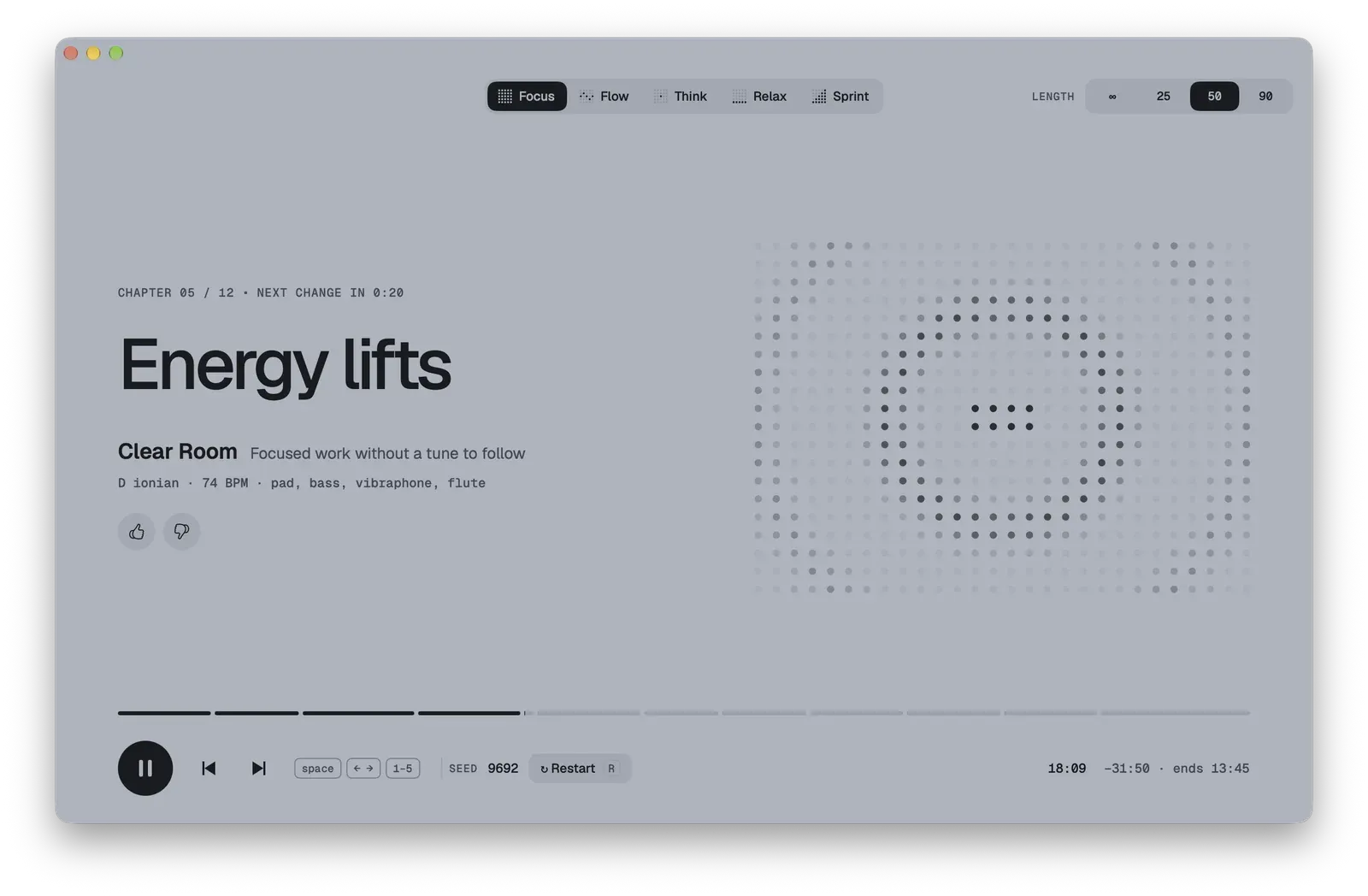
Written by rules, not by a model
selftone composes in real time the way musicians have for centuries, with scales, chords and structure. No language or music model writes the notes.
A key, a mode, a tempo
Each session starts there. Chords and melodies follow real harmonic rules, so nothing sounds random.
A sampler, not a stream
Piano, cello, marimba, flute and vintage synths play from a library of instrument samples inside the app.
Built note by note
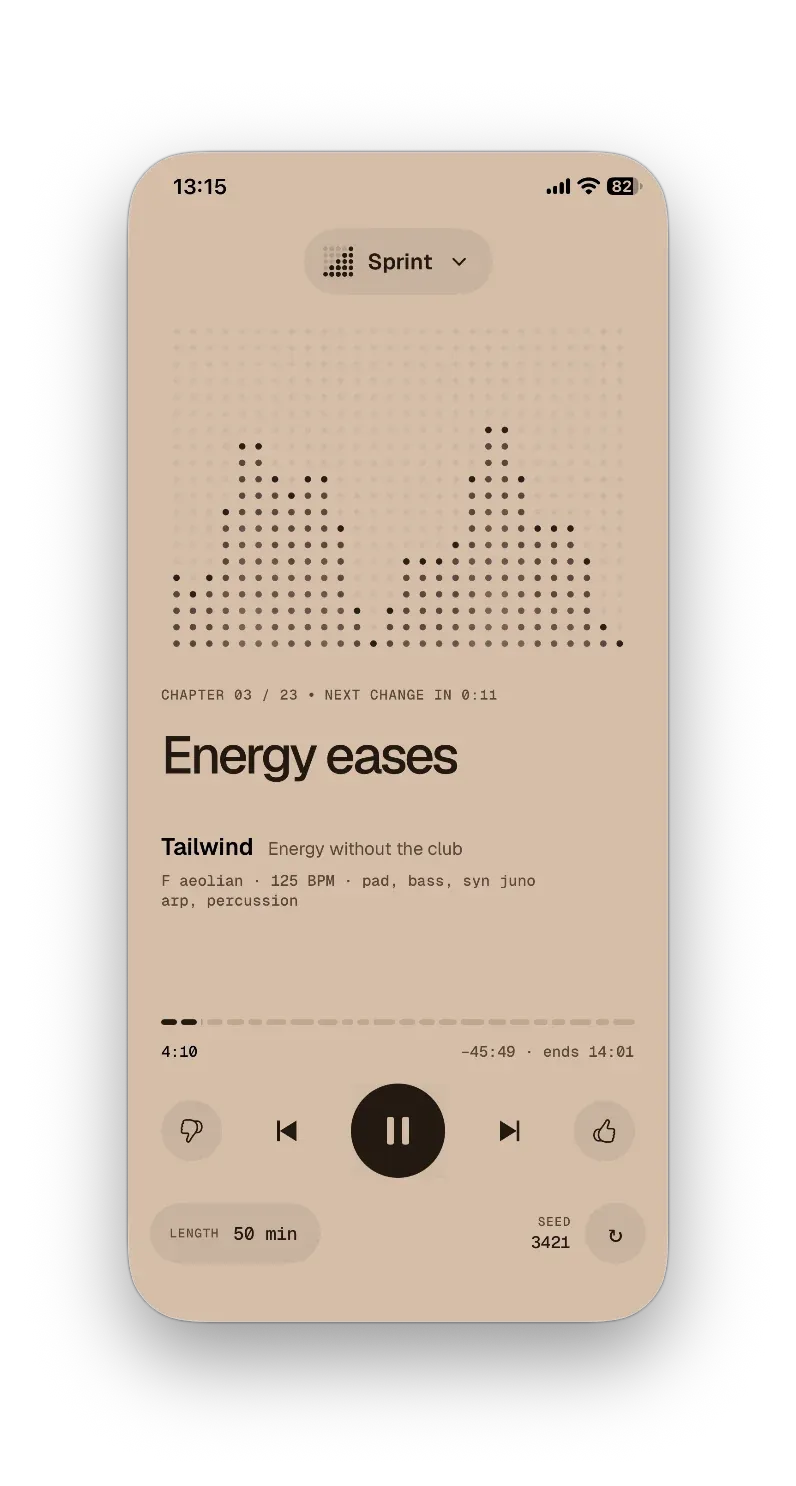
The music is written as you listen. It moves in chapters and never loops.
Every session starts from a new seed, so no two sound the same.
Set a timer, or don’t
Choose 25, 50 or 90 minutes and the music finds its own ending, so you know when to take a break. Or choose endless and let it play all day.
Start now · 50 min
Your desk, your commute, your headphones
Small app. Thoughtful details.
Works offline
Everything runs on your device. Trains, planes, bad café Wi-Fi: no difference.
Never repeats
The music is written live, so no two hours sound the same.
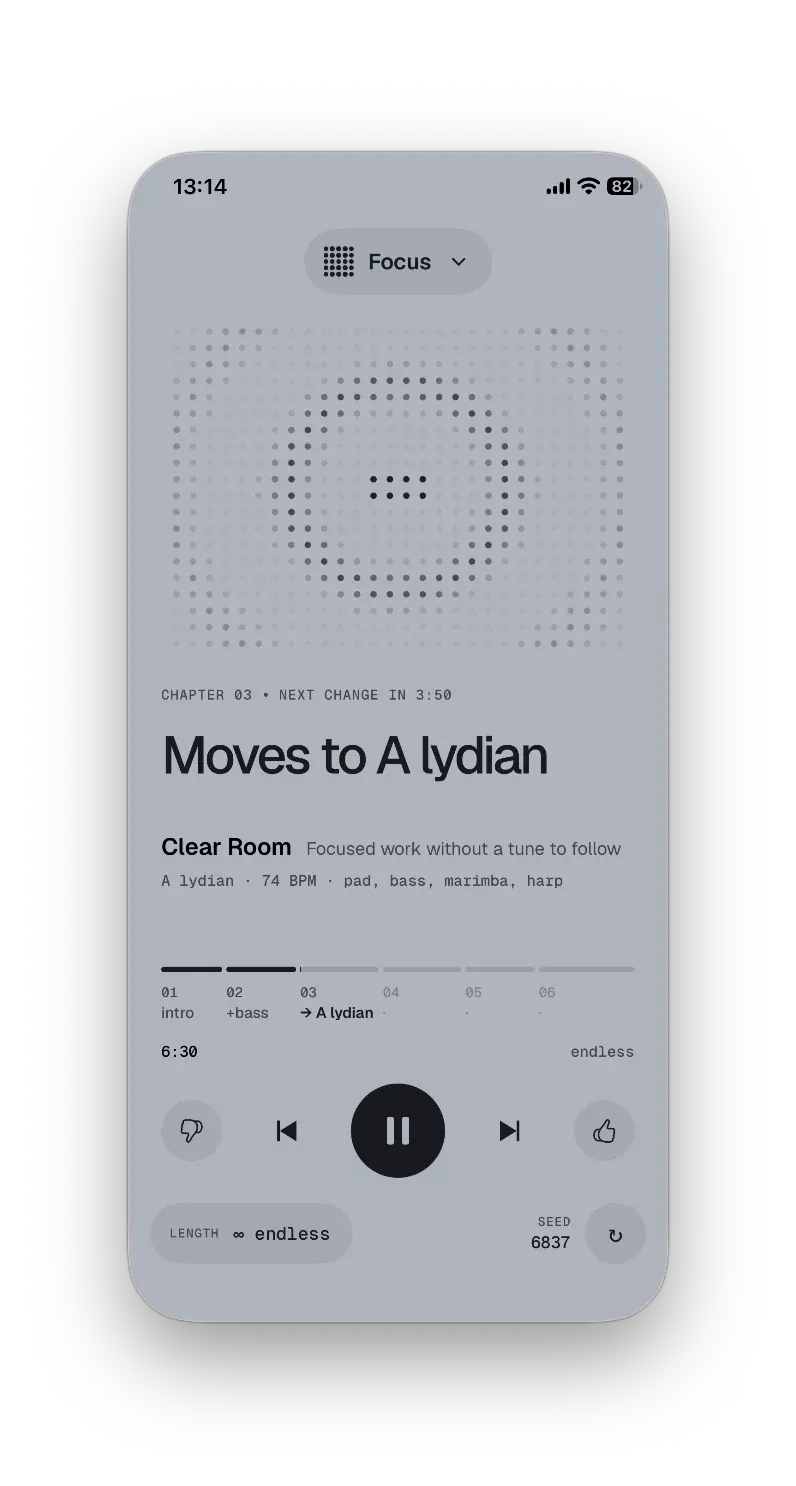
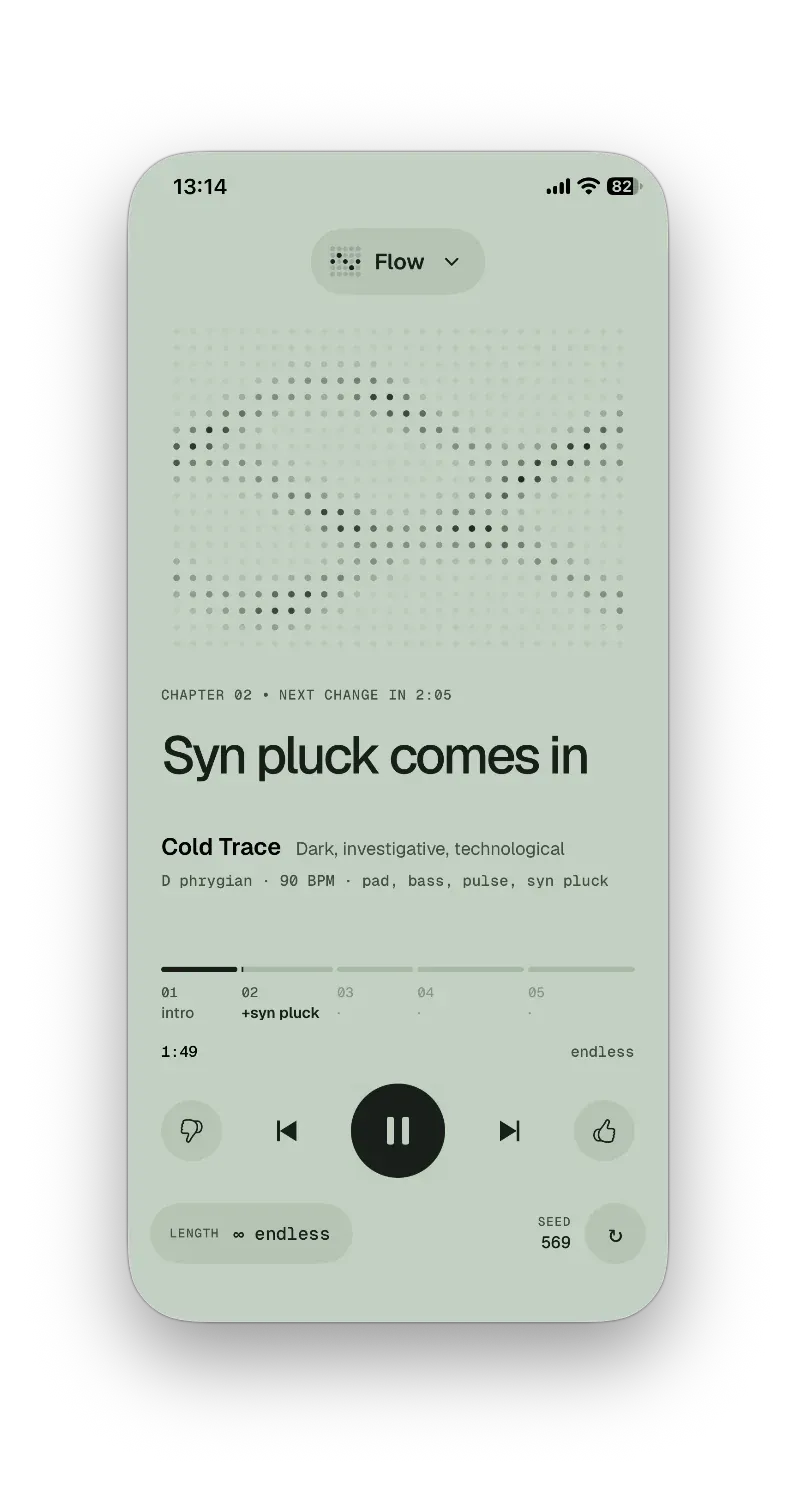
Native on Mac, iPhone and iPad
Built for each platform, not a web wrapper.
Keyboard first
Play, skip chapters and switch modes without touching the mouse.
20 languages
From English and 日本語 to العربية and Polski. selftone speaks your language.
No account, no ads
Open it and press play. That’s the whole onboarding. Free to use in your streams and videos.
Free. Everything included.
No trial, no subscription, no ads. Just open it and press play.
- All 5 modes
- Unlimited sessions, 25 / 50 / 90 or endless
- Works offline
- Mac, iPhone and iPad
- No ads, no account
No in-app purchases.
Questions
Is this AI-generated music?
The composition isn’t: notes, chords and structure come from music theory rules running on your device, not from a model. The instruments play from a sample library built for selftone with AI sound-generation tools.
Does it work without internet?
Yes, completely. Nothing is streamed.
Is it free?
Yes. selftone is free, with every mode and no limits. There are no ads, no subscription and no in-app purchases.
Will the music ever repeat?
It’s written live, so it doesn’t loop, and every session starts from a new seed.
Do I need to get it twice for Mac and iPhone?
You install it on each device from the App Store. It is free everywhere, with nothing to unlock.
Which languages are supported?
20: English, Chinese (Simplified and Traditional), Japanese, Korean, German, French, Spanish, Portuguese (Brazil), Italian, Russian, Arabic, Turkish, Indonesian, Thai, Hindi, Dutch, Swedish, Vietnamese, Polish.
Can I use it while recording or streaming?
Yes. Play selftone in your streams, videos and recordings.